
On this page
- Key takeaways
- What are Google Business Profile categories?
- Why does the primary category matter so much?
- How do you choose the right primary category?
- How many additional categories should you add?
- Do categories affect ranking?
- How do you add or change categories?
- Can changing your category trigger verification or suspension?
- Why does Google keep changing my category?
- Category mistakes I see every week
- What to do now
- Frequently asked questions
- How many categories can a Google Business Profile have?
- What is the best primary category for my business?
- Can I create a custom category on Google Business Profile?
- Will changing my category hurt my ranking?
- Why was I asked to verify again after changing categories?
- Should I add a category for each service I offer?
- Not sure your categories are right?
Google Business Profile categories tell Google what your business is, and they are one of the biggest things deciding which searches you show up for. Pick one primary category that describes your core business as specifically as possible, add a few additional categories only for real services or departments you offer, and don’t use categories as a place for keywords. Get that right and most other ranking work gets easier.
I’m a Diamond Product Expert in the Google Help Community and work on Google Business Profile issues every week. A wrong category is one of the most common reasons I see for a profile that’s verified, complete and still invisible. It’s also behind a fair number of surprise re-verifications and suspensions. This guide covers how categories work, how to choose them, and what to do when something goes wrong.
Last updated: November 24, 2026
Key takeaways
- Your primary category matters most. Choose the most specific option that matches your main business, for example “Nail salon” instead of “Salon”.
- You get one primary category and can add additional categories, but use as few as you need. Google says not to add a category for every product or service.
- Categories describe what your business is, not everything it sells or every keyword you want to rank for.
- Changing categories can trigger re-verification, so plan changes and keep proof ready.
- Your category also decides which features you get, like menus, bookings, services and hotel amenities.
What are Google Business Profile categories?
Categories are labels from Google’s fixed list that describe your type of business. You can’t type your own. When you start typing in the category box, Google suggests options and you pick one.
Google explains it in its help page on managing your business category: your categories help connect you with customers searching for what you do, and the categories you select affect your local ranking. Their example is a pizza place. With “Pizza restaurant” as the primary category, the business can show for searches like “restaurants”, “Italian restaurants” or “pizza”.
There are two kinds:
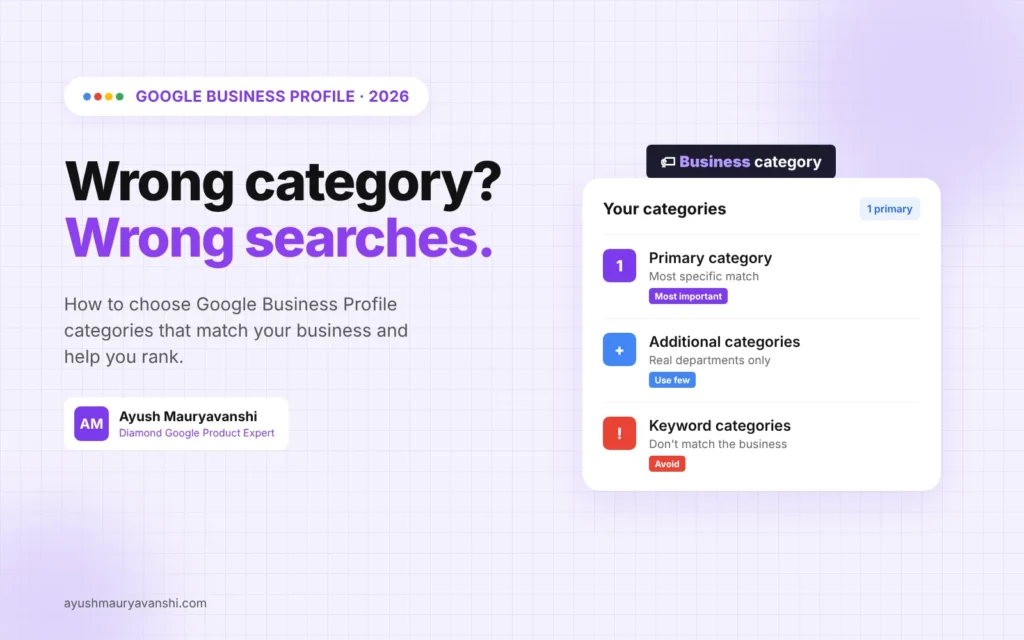
- Primary category. One per profile. This is the main description of your business and usually the label customers see under your name.
- Additional categories. Optional. These cover real extra services or departments, like a grocery store that also has a bakery and a deli.
Why does the primary category matter so much?
Because it does most of the work. In the cases I see, changing a wrong primary category to the right one often moves a profile more than months of posting, photos and review requests.
The primary category affects:
- Which searches you’re eligible for. A dentist listed as “Dental clinic” and one listed as “Cosmetic dentist” don’t compete for exactly the same searches.
- The label customers see. Your primary category is often shown as the business type on Search and Maps.
- Which features your profile gets. Google’s help page lists examples: restaurants can add menus, order and reservation links; hotels can show class ratings and amenities; health and beauty businesses can add booking buttons and service lists.
- How Google reviews your profile. Some categories get more scrutiny than others. Locksmiths, garage door services, plumbers and other high-spam service categories are checked harder at verification and after edits.
How do you choose the right primary category?
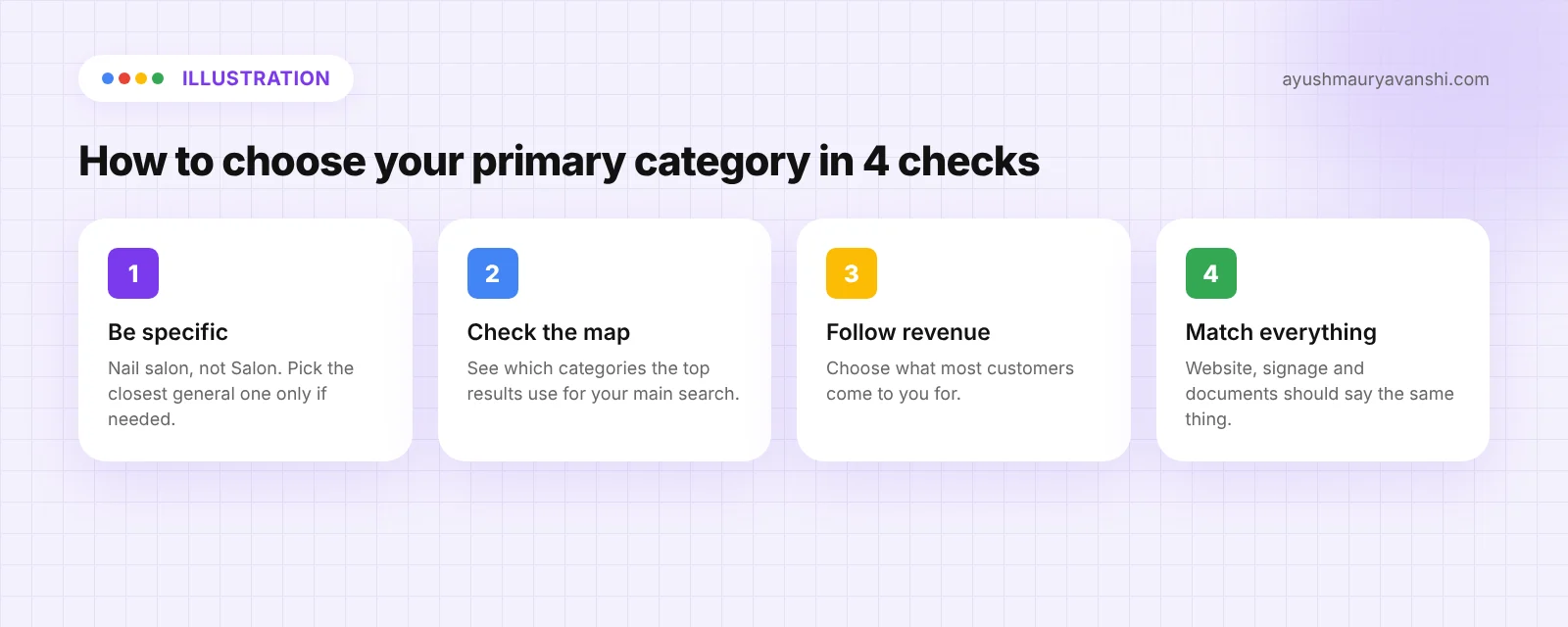
Ask one question: what would most customers call your business?
Then follow these steps:
- Start specific. Type the most specific description you can. Google’s own example: choose “Nail salon”, not “Salon”. If the specific one doesn’t exist, pick the closest general category.
- Check what ranks. Search your main service in your area on Google Maps. Open the top three or four competitors and look at the category under their name. That shows which categories Google rewards for that search.
- Match your main revenue. If 70% of your work is emergency plumbing and 30% is bathroom remodels, your primary category is plumber.
- Match your website. Your homepage and title should say the same thing your primary category says. When the profile says one thing and the site says another, Google has to guess.
- Match real signage and documents. If a reviewer or verification check looks at your business, the category should make sense against what they see.
One mistake I see a lot: businesses choosing a broad category because it “covers everything”. A clinic that offers physiotherapy, chiropractic care and massage picks “Medical clinic” and then wonders why it doesn’t show for “physiotherapist near me”. Broad categories rarely win specific searches.
How many additional categories should you add?
As few as you need to describe real parts of your business. Google allows up to nine additional categories, but that’s a limit, not a target.
Google’s guidance is clear: add categories for special departments or services, and don’t select a category for every product or service. Their example is a grocery store that adds “Bakery” and “Deli” because it actually has those departments.
Good additional categories:
- A hair salon that also runs a beauty supply shop on site
- A car repair shop that also does tire sales and wheel alignment
- A law firm with separate practice areas that have their own category names
Bad additional categories:
- Categories for services you offer once in a while
- Categories for nearby cities or “near me” ideas
- Categories that belong to a separate business in the same building
That last one comes up often. Google says if a separately owned and operated business sits inside your location, it should have its own Business Profile, and you shouldn’t add its category to yours. A gym with an independently run cafe should not add “Cafe”.
Do categories affect ranking?
Yes. Google says directly that the categories you select affect your local ranking. Categories feed into relevance, which is one of the three main factors alongside distance and prominence.
What categories don’t do is replace everything else. A perfect category won’t fix a suspended profile, a location far from the searcher, or a profile with almost no reviews. If your profile isn’t appearing at all, start with my checklist on why a Google Business Profile isn’t showing on Maps.
How do you add or change categories?
From Google’s help page, the current steps are:
- Go to your Business Profile (search your business name on Google while signed in, or open Google Maps).
- Select Edit profile.
- Next to “Business category”, select Edit.
- In the “Primary category” box, start typing and pick a category from the list.
- To add more, select Add another category and choose from the list.
- To remove one, select Remove next to it.
- Select Save.
Edits usually go through review before they show. If a change stays pending for a few days, don’t keep editing. Every new edit can reset the review.
Can changing your category trigger verification or suspension?
It can trigger verification. Google’s help page says that if you add or edit a category, you might be asked to verify your business again.
In my experience that happens most often when:
- The new category is in a different industry from the old one
- The new category is one Google treats as high risk for spam
- The profile is new or has a history of edits that got rejected
- Several big changes (name, address, category) happen together
So before a category change:
- Make one change at a time, not name, address and category on the same day.
- Have proof ready: signage, a business license, a utility bill and photos or a short video of your premises and tools.
- Don’t change categories right before a busy season if your profile has been stable for years.
Categories can also contribute to suspension when they don’t match the business. A marketing agency listed as “Plumber” to rank for plumbing leads, or a home-based business choosing categories that require a storefront, are both outside Google’s guidelines. If that has already happened, my GBP reinstatement page explains how I handle those cases.
Why does Google keep changing my category?
Google can update profile information from other sources, including user suggestions and its own systems. Sometimes that changes a category or adds one.
If that happens:
- Check the profile’s edit notifications in your dashboard. Google often shows “Google updated your profile” with the option to accept or reject.
- Reject the change if it’s wrong and restore your category.
- Make sure your website, signage and other listings all describe the business the same way, so the wrong signal stops coming back.
I wrote a step-by-step guide on rejecting unwanted Google Business Profile edits that covers this in detail.
Category mistakes I see every week
- Category stuffing. Adding nine categories for every service. It rarely helps and makes the profile look less clear.
- Using a city or keyword in a category. Categories come from a fixed list, so this usually shows up as picking categories that don’t describe the business at all.
- Copying a competitor blindly. Their category works for their business, not necessarily for yours.
- Changing categories constantly. Testing a new primary category every week stops Google from settling on what you are, and invites re-verification.
- Ignoring category-specific features. After setting a restaurant or salon category, owners forget to fill the menu, services or booking sections it adds.
What to do now
- Open your profile and write down your current primary and additional categories.
- Search your main service in Google Maps and note the categories of the top results.
- Decide on one specific primary category that matches your main revenue, website and signage.
- Remove additional categories that don’t reflect a real service or department.
- Make the change in one edit, then leave it alone for at least two weeks.
- Fill every section the new category adds: services, menu, products or booking.
- If you’re asked to verify, use the method offered and have your proof ready. My guide to GBP verification has the details.
Frequently asked questions
How many categories can a Google Business Profile have?
One primary category and up to nine additional categories. Google recommends using as few as possible to describe your core business.
What is the best primary category for my business?
The most specific category that describes what most of your customers come to you for. Check the categories of top-ranking competitors for your main search as a guide, but choose what’s true for your business.
Can I create a custom category on Google Business Profile?
No. You have to pick from Google’s list. If the exact category doesn’t exist, choose the closest general one and describe the specifics in your services and business description.
Will changing my category hurt my ranking?
It can move your rankings in either direction, because category affects relevance. A change from a wrong category to the right one usually helps. Changing often, or to a category that doesn’t fit, tends to hurt.
Why was I asked to verify again after changing categories?
Google says category edits can trigger re-verification so it can confirm your information is accurate. It happens more with big industry changes and high-spam categories.
Should I add a category for each service I offer?
No. Google says not to add a category for every product or service. Use additional categories for real departments or major service lines, and list individual services in the services section instead.
Not sure your categories are right?
If your profile is verified but still not showing for the searches that matter, the category is the first thing I check. Message me on WhatsApp with your profile link, or see how I work on local SEO.