
On this page
- What counts as a duplicate listing
- Why duplicates hurt you
- How to find a duplicate Google Business Profile
- Fix 1: Both listings are in your account
- Fix 2: There’s an unclaimed copy on Maps
- Fix 3: Someone else owns the other listing
- Fix 4: Google wrongly marked your profile as a duplicate
- Special cases
- You moved your business
- You offer several services
- Practitioners and the practice
- Mistakes that make duplicates worse
- What to do now
- FAQ
- What is a Google Business Profile duplicate listing?
- How do I remove a duplicate Google Business Profile?
- Will I lose my reviews if Google merges two profiles?
- How do I report a duplicate listing on Google Maps?
- Can two businesses share one address on Google?
- Should I create a new profile when I move?
- Need a second pair of eyes?
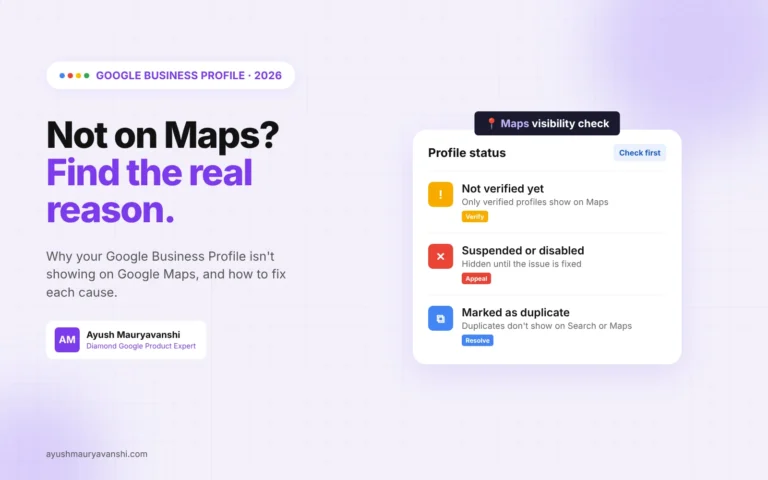
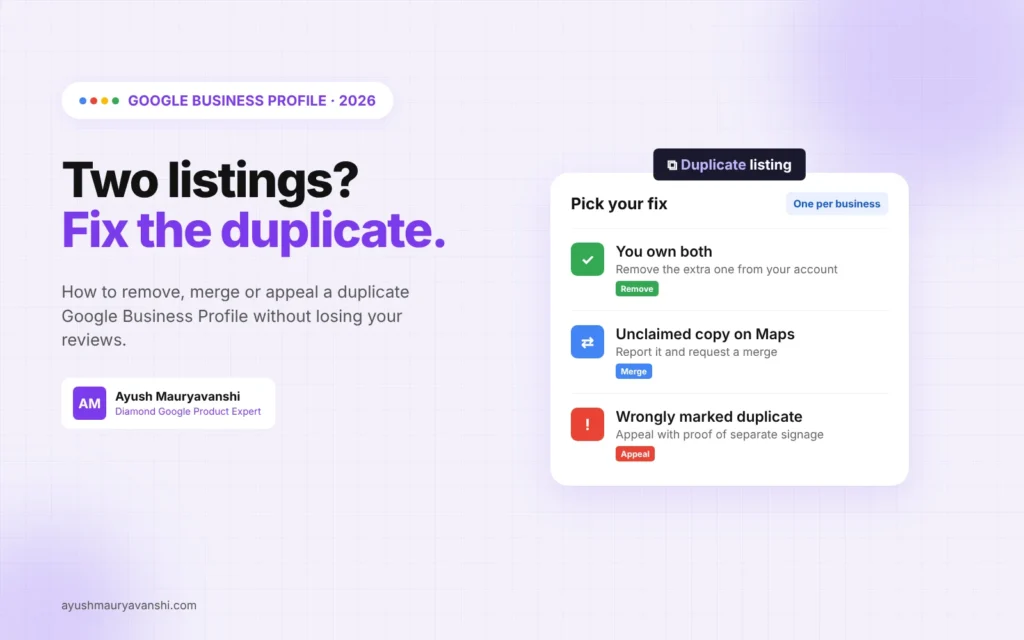
A Google Business Profile duplicate listing is a second profile for the same business, and Google allows only one. If a profile is treated as a duplicate, it won’t show on Google Search or Maps. How you fix it depends on who controls each listing: remove the extra one if both are yours, report and merge it if it’s an unclaimed copy on Maps, request ownership if someone else has it, or appeal if Google got it wrong.
I’m a Diamond Product Expert in the Google Help Community and work on Google Business Profile issues every week. Duplicates come up constantly, and most of them were created by the business itself. Somebody lost access to the old profile, couldn’t find it, and made a fresh one. Or the business moved and a new profile went up for the new address. This guide covers how to find every duplicate, which fix fits, and how to avoid losing your reviews along the way.
What counts as a duplicate listing
Google’s help page on duplicate profiles and ownership issues lists three main reasons a profile gets treated as a duplicate:
- A verified profile already exists for the same business.
- Same address. Multiple profiles sit at one address for what looks like one business.
- Different services. Separate profiles were created for each service the business offers.
That last one catches a lot of people. A clinic with one profile for “physiotherapy” and another for “sports massage” at the same place is one business, so it gets one profile. List the services on that profile instead.
Why duplicates hurt you
It’s not only about tidiness. In the cases I see, a duplicate causes some mix of these:
- Your reviews get split across two profiles, so neither looks as strong as it should.
- Customers find the old listing with an old phone number or old hours.
- One of the profiles gets marked as duplicate and disappears from Search and Maps, and sometimes it’s the one you wanted to keep.
- Creating a new profile while a verified one already exists can trigger verification trouble or a suspension.
How to find a duplicate Google Business Profile
Do a proper search before you fix anything. You need the full picture.
- Search your business name and city on Google Maps, signed out.
- Search your phone number on Google Maps and Google Search.
- Search your old address if you’ve moved, and any old business name.
- Sign in to every Google account you or your team have ever used and check business.google.com for profiles.
- Ask any past agency or freelancer whether they created a profile.
Write down each listing you find: name, address, phone, number of reviews, and whether you can manage it. That list tells you which fix you need.
Fix 1: Both listings are in your account
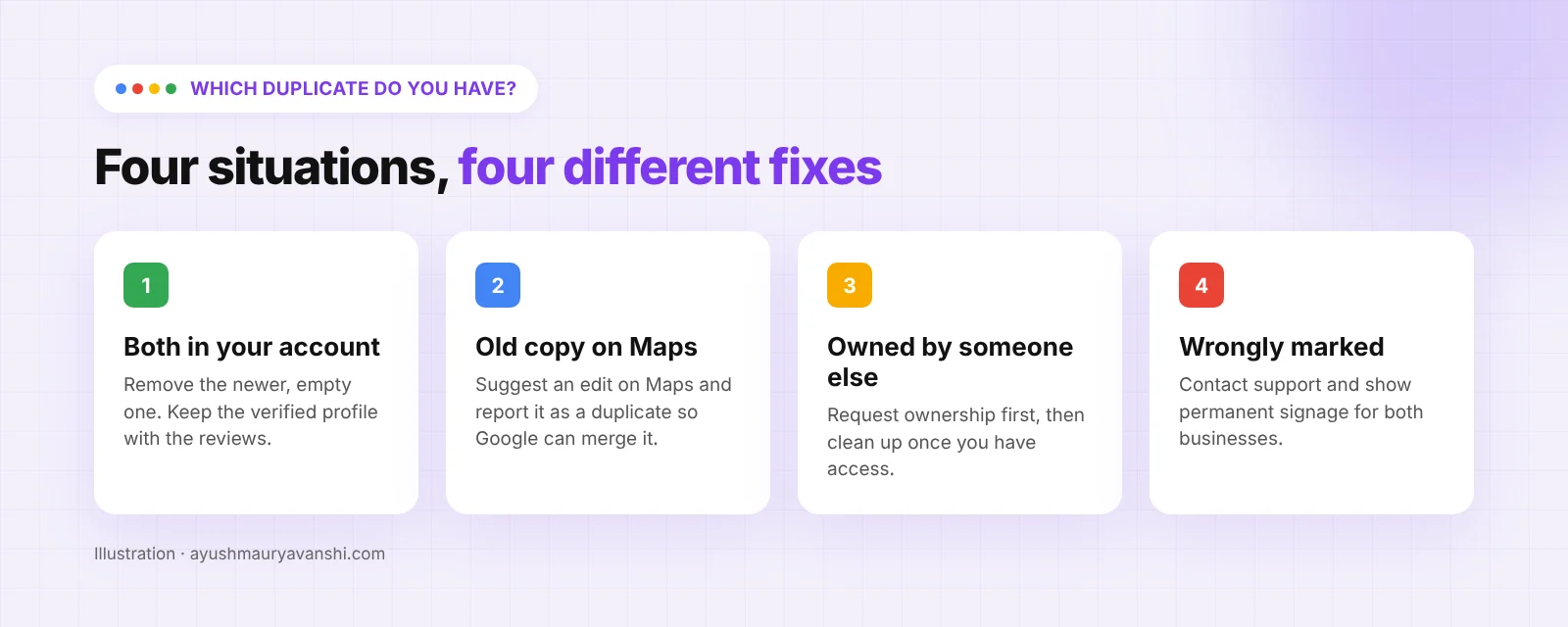
If you created a duplicate of a profile you already verified, Google says you can remove it without affecting your verified listing. Keep the one with the history and reviews, and remove the other from your account.
Be careful here. Google warns that when you remove a duplicate profile, all its content and linked managers are removed too, so make sure you’re removing the right one. I always check three things before removing anything:
- Which profile has the reviews?
- Which one is verified?
- Which one shows publicly when you search signed out?
Usually all three point to the same profile. If they don’t, stop and work out why before you remove anything.
Fix 2: There’s an unclaimed copy on Maps
Sometimes the duplicate isn’t in anyone’s account. It’s an old listing Google created from public data, or one a customer added. To get it merged, Google says to report a suggestion on Google Maps. All merge requests are reviewed.
On the duplicate listing in Google Maps, select Suggest an edit, then the option to report that the place is a duplicate or should be removed, and point it to your real profile.
Two things to know about merges, both straight from Google’s help:
- When 2 profiles are merged, their reviews are combined, but replies to reviews may be lost.
- For the merge to work, the profiles must represent the same business and should have the same info.
That second point matters. If the old listing has an old name or a slightly different address, the merge often doesn’t go through. Make sure your real profile is accurate first, and when you report, explain clearly that it’s the same business.
Fix 3: Someone else owns the other listing
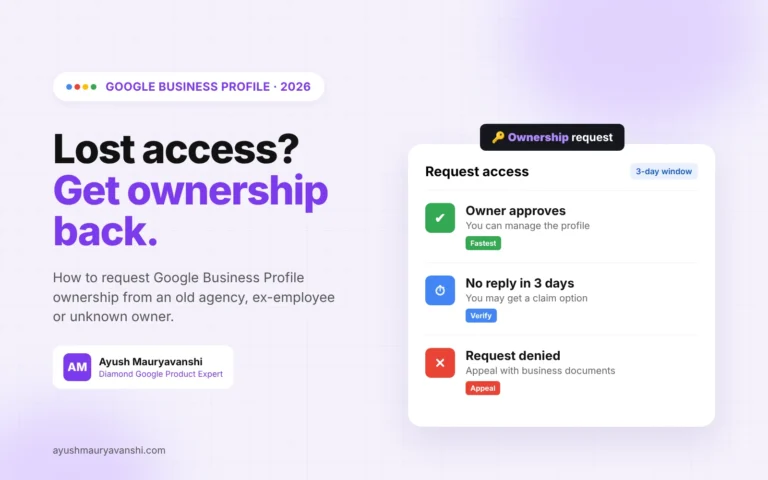
If the duplicate is verified and owned by someone else, a former agency, an ex-employee or a previous owner, you need access before you can clean anything up. Request ownership through Google. The current owner gets 3 days to respond, and if they don’t, you may get the option to claim it.
I wrote a full walkthrough on getting Google Business Profile ownership back, including what to do if the request is denied.
Once you control both profiles, go back to Fix 1.
Fix 4: Google wrongly marked your profile as a duplicate
This happens a lot in shared buildings. Two different businesses at one address, and Google decides they’re the same one.
Google allows separate profiles at one address when the businesses are distinct, have different names, have clearly visible differences in signage, and are each eligible. That includes multiple brands at one location, departments within a business, and individual practitioners at a shared location.
If two distinct businesses were incorrectly merged or one was marked duplicate, Google says to contact support to appeal. If both businesses serve customers at the same location, expect to be asked for evidence of permanent signage that clearly shows both businesses.
From the appeals I’ve seen go through, the photos that work are simple: each business’s sign clearly visible, ideally in the same frame as the shared entrance, plus the inside of each space showing they operate separately. A printed paper sign stuck to a door won’t count as permanent signage.
Special cases
You moved your business
Don’t create a new profile for the new location. Google’s instruction is to update the address on your existing profile. A new profile for the new address is one of the most common ways duplicates start, and you lose your reviews in the process.
You offer several services
One business, one profile. Add every service to that profile rather than making a profile per service.
Practitioners and the practice
An individual practitioner, like a doctor at a clinic, can have their own profile alongside the practice’s profile. That’s not a duplicate as long as both are real and eligible. Problems start when the practitioner profile uses the practice’s name.
Mistakes that make duplicates worse
- Removing the wrong profile. Always check which one has the reviews and verification first.
- Making another new profile to fix the first duplicate. Now you have three.
- Reporting your real profile as a duplicate by accident from a Maps edit.
- Different details on each listing. Merges need matching info, so fix your main profile first.
- Letting an agency create profiles in their own account. Keep primary ownership yourself.
What to do now
- Search Maps for your name, phone number and any old address, signed out.
- List every listing you find with its reviews and who controls it.
- Pick the profile to keep (usually the oldest verified one with reviews).
- Remove extras in your account, report unclaimed copies on Maps, and request ownership of any owned by someone else.
- If Google wrongly marked you as a duplicate, gather signage photos and contact support.
- Check again in a couple of weeks that only one profile shows.
If the cleanup led to a suspension, my Google Business Profile reinstatement service covers that. If you need to re-verify the profile you’re keeping, see my verification service.
FAQ
What is a Google Business Profile duplicate listing?
It’s a second profile for the same business. Google allows one profile per business, and a profile treated as a duplicate won’t show on Google Search or Maps.
How do I remove a duplicate Google Business Profile?
If both profiles are in your account, remove the extra one from your account. Google says this doesn’t affect your verified listing, but all its content and managers are removed, so pick carefully.
Will I lose my reviews if Google merges two profiles?
Google says reviews are combined when 2 profiles are merged, but replies to reviews may be lost.
How do I report a duplicate listing on Google Maps?
Open the duplicate listing on Google Maps, select Suggest an edit, and report it as a duplicate of your real profile. Google reviews every merge request.
Can two businesses share one address on Google?
Yes, if they’re distinct businesses with different names, clearly different signage, and both eligible. If Google wrongly marks one as a duplicate, contact support with signage photos.
Should I create a new profile when I move?
No. Update the address on your existing profile. A new profile creates a duplicate and leaves your reviews behind.
Need a second pair of eyes?
Duplicates get messy when old agencies, moves and shared buildings are involved. Send me the listings you found on WhatsApp and I’ll tell you which one to keep and how to clean up the rest.