
On this page
- What are Google Business Profile offers?
- Where do offers show on your profile?
- Where Google Business Profile offers come from
- Offers you create
- Offers from third-party partners
- Why third-party offers can be a problem
- How to remove third-party offers from Google Business Profile
- If you work with the provider
- If the provider has no agreement with you
- If the provider doesn’t remove it in 5 business days
- What to do now
- FAQ
- What are Google Business Profile offers?
- Can I remove an offer I didn’t create from my Business Profile?
- Why don’t I see offers on my Google Business Profile?
- Do Google Business Profile offers help rankings?
- What if the provider ignores my removal request?
- Need a hand with your profile?
Google Business Profile offers are the discount chips and promo badges that can now show on your profile in Google Search, next to buttons like Order online or Reserve a table. They come from two places: offers you create yourself through an Offer post, and offers sent to Google by third-party partners such as ordering or booking platforms. If an offer on your profile is wrong or comes from a provider you never worked with, you can get it removed, and Google now has a clear process for it.
I’m a Diamond Product Expert in the Google Help Community and work on Google Business Profile issues every week. Restaurant owners asking “where did this discount on my listing come from?” has been a regular thread for a while. Google finally put the answers in one help page this month, so here is what it says, what it means in practice, and what I’d do if you see an offer you didn’t approve.
What are Google Business Profile offers?
In November 2026 Google published a new help document called Manage offers on your Business Profile. It describes offers as special deals, discounts and promotional badges attached to your profile when people find you on Google Search.
The examples Google gives are useful because they show the kind of business this is built for:
- Percentage off, like “15% off your first pickup order”
- Flat discount, like “$5 off orders over $25”
- Item-level deals or BOGO, like “Buy 1 entree, get 1 appetizer at no charge”
- Dine-in or reservation perks, like “Dessert included with dinner reservation”
So far this is mostly a restaurant and food ordering feature. Google also says it’s available only in select regions and languages, so if you don’t see offers on your own profile, that’s normal.
Where do offers show on your profile?
Google lists two places:
- The Search placesheet. Offer chips can show beside or directly under your Order online or Reserve a table buttons. They can be collapsed or expanded.
- AI Overviews. People can be shown your offers while they interact with an AI Overview in Search.
The second one matters more than it sounds. If someone asks Google for “pizza deals near me” and gets an AI answer, a discount attached to your profile can be the thing that gets you mentioned and clicked. That works in your favour when the deal is yours and accurate. It works against you when the deal is old, wrong, or belongs to an ordering app that adds its own fees.
Where Google Business Profile offers come from
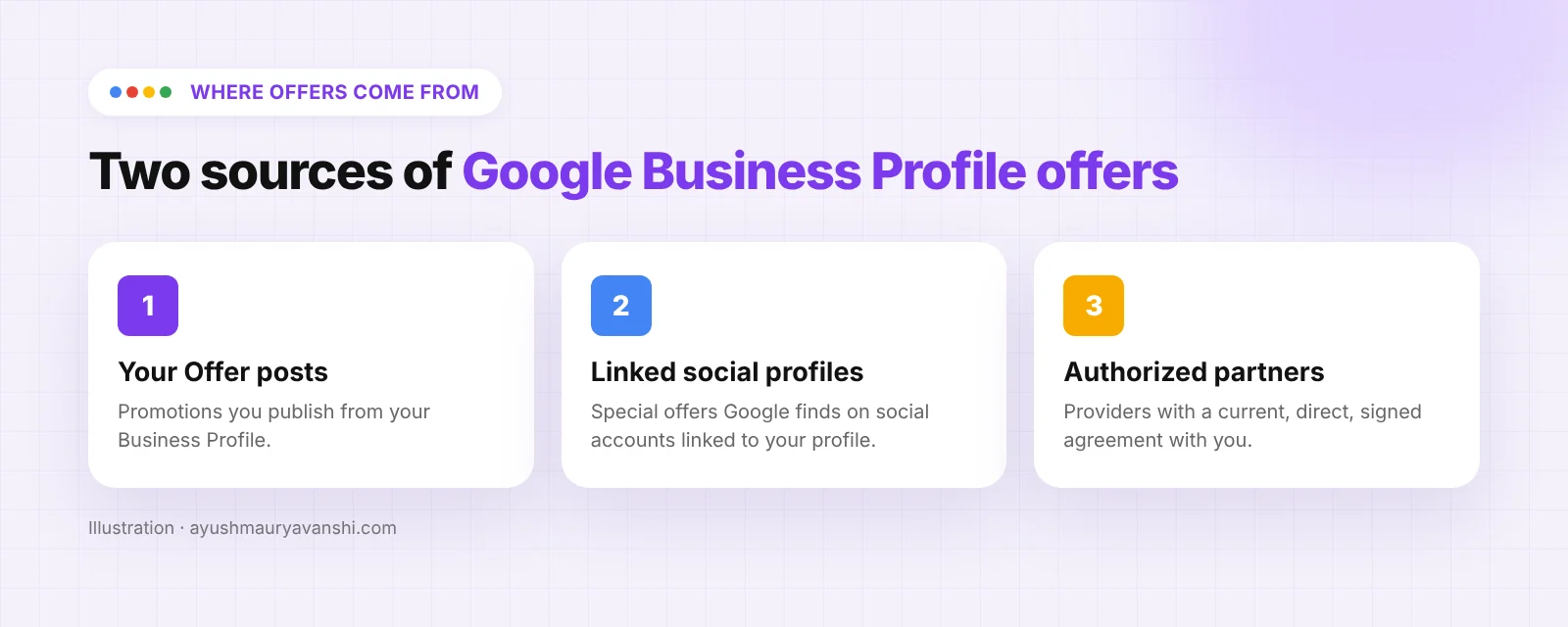
This is the part most owners don’t know. According to Google, offers on your profile can come from two sources.
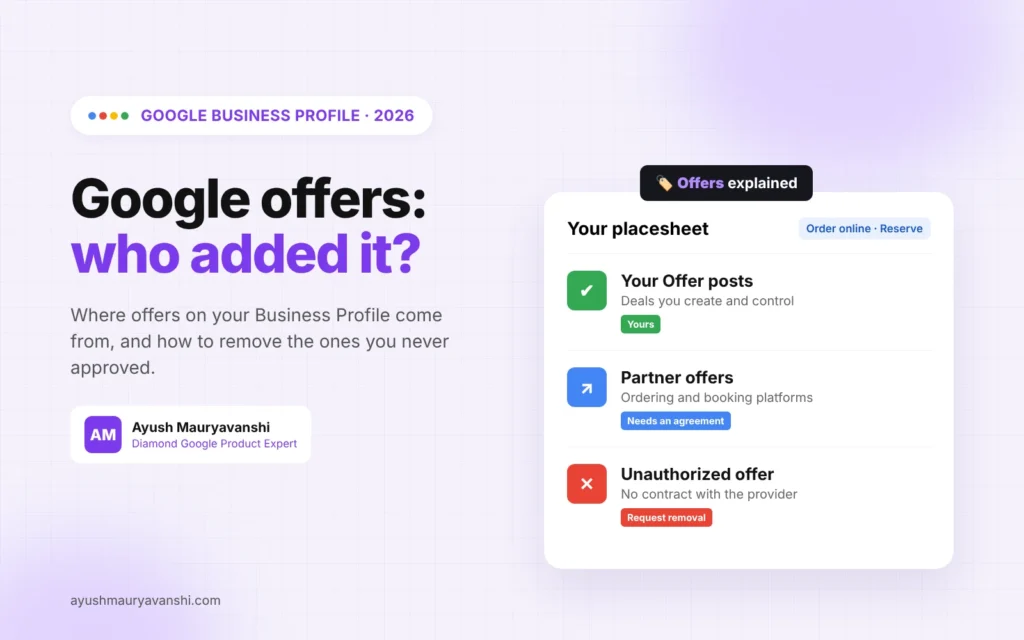
- Offers you create
If you publish an Offer post from your Business Profile, that promotion can show. Google also says it may pick up special offers it finds on social media profiles you’ve linked to your Business Profile. If you added your Instagram or Facebook link in the profile and you post a weekend deal there, don’t be surprised if it appears on Google too.
If you haven’t used Offer posts before, my guide to Google Business Profile posts covers how to create, schedule and repeat them.
- Offers from third-party partners
These are providers you have a business relationship with who send offers data to Google. Think online ordering platforms, delivery apps and reservation services. Google says these providers are only allowed to submit offers for businesses they have a current, direct and signed agreement with.
That rule is the key to everything below. If a platform you never signed up with, or one you stopped working with, is still pushing a deal onto your profile, it’s breaking Google’s rules and you can have it taken down.
Why third-party offers can be a problem
I see three versions of this problem in the Help Community:
- A former provider. You left a delivery app months ago, but its “20% off your first order” badge is still on your profile and sends customers to a platform you don’t use.
- An offer you never agreed to. A partner runs a promotion and attaches it to your listing without asking. Customers then show up expecting a discount you never offered.
- Wrong details. The deal ended, the minimum order changed, or the terms are just inaccurate.
All three cost you something: lost margin, angry customers at the counter, or orders going through a platform that takes a commission. It’s similar to the problem of delivery apps taking over your Order online button, which I covered in my post on Google Business Profile ordering controls.
How to remove third-party offers from Google Business Profile
Google’s process depends on whether you actually have a relationship with the provider.
If you work with the provider
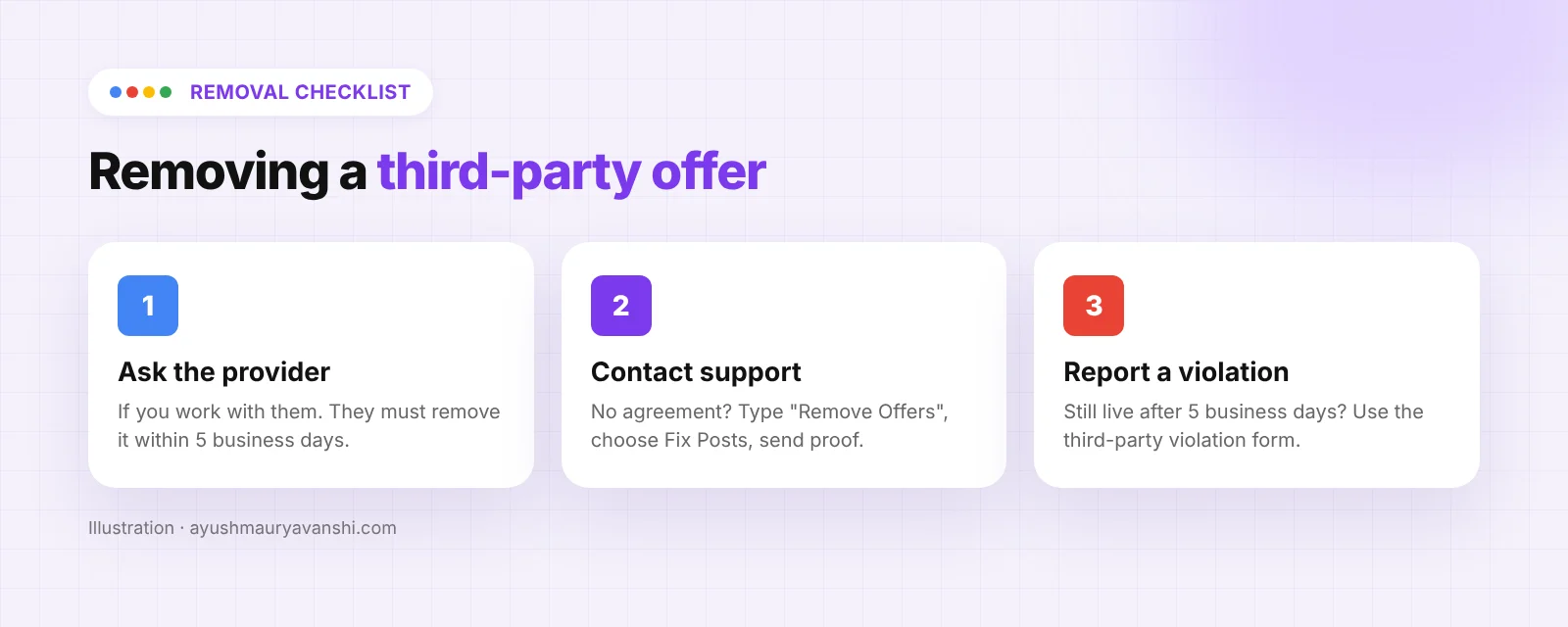
Contact the provider directly and ask them to change or remove the offer. Google says that once a business makes a request, providers must remove third-party offers from a profile within 5 business days. Keep a copy of your request with the date, because you’ll need it if they don’t act.
If the provider has no agreement with you
Escalate to Google Business Profile support. Google’s steps are:
- Contact Business Profile support. When asked “What can we help with?”, type Remove Offers.
- Choose Fix Posts as the category, select Next step, then pick Email or Chat.
- In the request, give the name of the third-party provider, the details of the offer (a screenshot or a description like “$10 off lunch special”), and say clearly that you have no relationship with that provider.
Google Support will then give you a link to contact the provider to remove the offer. The same 5 business day window applies.
If the provider doesn’t remove it in 5 business days
Report it through Google’s third-party policy violation form, which is linked at the bottom of the same help page. Attach your screenshot and the date of your original request. In my experience, the cases that move fastest are the ones with clean evidence: one screenshot of the offer on your profile, one screenshot of your removal request, dates on both.
What to do now
Even if offers haven’t reached your region yet, a few minutes now saves trouble later:
- Search for your business on Google on mobile and desktop and look under your action buttons for any offer chips.
- List every ordering, delivery and booking platform you’ve ever signed up with. Close the ones you no longer use properly, in writing.
- Check the social links on your profile. If you post deals there, keep them current, because Google may surface them.
- Use Offer posts for your own deals so the promotion customers see is the one you control.
- Screenshot anything odd the day you find it. Offers can change, and support asks for evidence.
FAQ
What are Google Business Profile offers?
They are discounts, deals and promo badges shown on your Business Profile in Google Search and in AI Overviews. They can come from your own Offer posts, from deals Google finds on your linked social profiles, or from authorized third-party partners.
Can I remove an offer I didn’t create from my Business Profile?
Yes. If you work with the provider, ask them to remove it; they must do it within 5 business days. If you have no agreement with them, contact Business Profile support, type “Remove Offers” and choose Fix Posts.
Why don’t I see offers on my Google Business Profile?
Google says offers are available only in select regions and languages. Right now they mostly show for restaurants and businesses with online ordering or reservations.
Do Google Business Profile offers help rankings?
Google hasn’t said offers affect ranking. What they can do is make your profile more attractive when people compare options, including inside AI Overviews.
What if the provider ignores my removal request?
If the offer is still there after 5 business days, report it through Google’s third-party policy violation form with screenshots and the date of your request.
Need a hand with your profile?
Wrong offers are usually a sign that third parties have more say over your profile than you do. If you want me to check what’s showing on your listing and clean it up, message me on WhatsApp or see how my local SEO service works.