
On this page
- What are Google Business Profile posts?
- Are Google posts still worth it in 2026?
- How to create a post on your Business Profile
- Schedule and repeat posts (the part most owners miss)
- Why was my Google post not approved?
- What to post: ideas that work for local businesses
- How often should you post?
- Common mistakes with Google posts
- What to do now
- Frequently asked questions
- Do Google Business Profile posts help SEO?
- How long do Google posts stay on my profile?
- Can I schedule Google Business Profile posts?
- Why is my Google post pending?
- Why was my Google Business Profile post rejected?
- How often should I post on Google Business Profile?
- Want someone to look at your profile?
Google Business Profile posts are short updates, offers and events you publish on your profile, and they show in your listing on Google Search and Maps. In 2026 they’re worth doing for most local businesses, not because they push rankings directly, but because they make your profile look active and give people a reason to call, visit or book. Posting takes ten minutes a week if you do it right.
I’m a Diamond Product Expert in the Google Help Community and work on Google Business Profile issues every week. “Do posts actually help?” and “why was my post not approved?” are two questions I answer again and again. This guide covers both, plus the newer scheduling and repeat options that make posts a lot less work than they used to be.
What are Google Business Profile posts?
Posts are the updates that show in the “Updates” or “From the owner” section of your Business Profile. Google’s help page on posts lists three types:
- Update: general news, a new service, a photo of recent work, holiday hours, a tip for customers.
- Offer: a discount or promotion, with optional coupon code, start and end dates and terms.
- Event: something with a start and end date and time, like a workshop, open day or sale weekend.
Each post can carry a photo or video, a title (for offers and events), some text and an optional button such as Book, Order online, Learn more or Call now.
Are Google posts still worth it in 2026?
Short answer: yes, for most businesses, with realistic expectations.
Here’s what I’ve seen across the profiles I look at in the Help Community and client work:
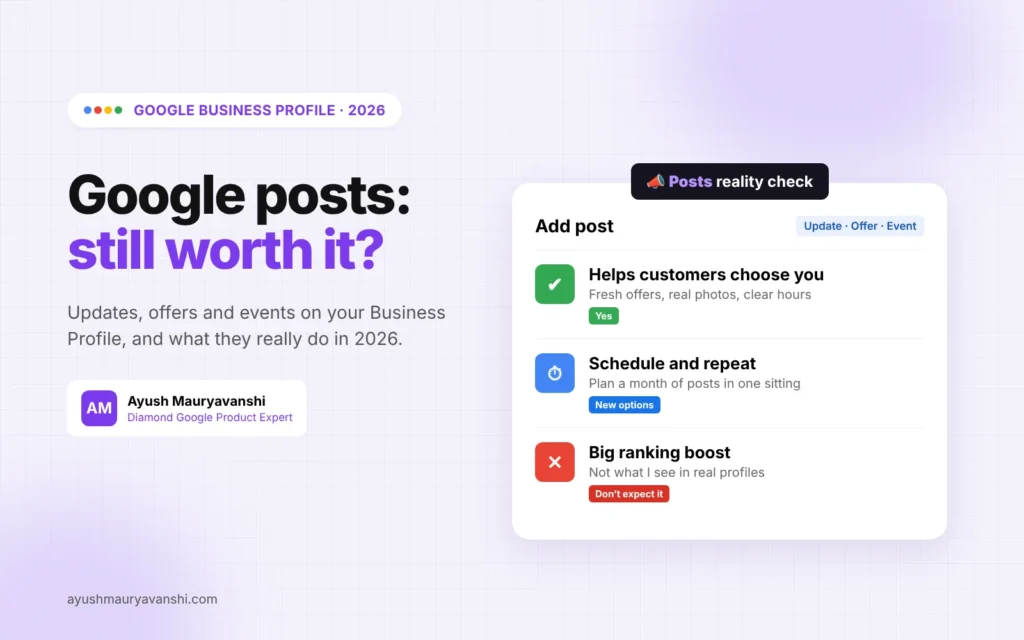
- Posts are not a big ranking lever. I haven’t seen a profile jump in the Map Pack just because it started posting, and Google doesn’t list posts as a ranking factor. Category, proximity, reviews and relevance do the heavy lifting.
- Posts help conversion. A profile with a fresh offer, a recent photo and clear opening hours feels open and trustworthy. A profile whose last update is from 2023 feels abandoned, even if the business is busy.
- Posts give Google more context. When you post about specific services, it reinforces what you actually do. That’s a soft benefit, but it lines up with how Google matches profiles to searches.
- Posts are getting more visible again. In October 2026, Search Engine Roundtable reported Google testing posts higher up in the local panel, after years of them sitting near the bottom. If that sticks, more people will see them.
So I tell owners: post because customers read it, not because you expect a ranking jump.
How to create a post on your Business Profile
- Search your business name on Google while signed in, or open the profile in Google Maps.
- Click Add update (or Posts, then Add post).
- Choose Update, Offer or Event.
- Add a photo or video, your text and, for offers and events, a title and dates.
- Add a button if it fits, for example Book pointing to your booking page or Call now.
- Click Post.
If you manage several locations, Google now lets you share the same post across multiple profiles in one go. Do check each location’s details still make sense before you push one post everywhere.
Schedule and repeat posts (the part most owners miss)
This is the biggest practical change. Google’s help page now describes two options when you create a post:
- Schedule this post: turn it on and pick the date and time it should go live. Handy for a Diwali offer, a holiday hours notice or an event reminder you want to set up in advance.
- Repeats: choose weekly, monthly or a custom schedule, and the post shows up again on that rhythm.
The repeat option is the one I’d use carefully. A monthly “we’re open and here’s what we do” update is fine. The same offer repeated every week for a year starts to look like filler, and it’s worse if the dates or prices in it go stale. Set a calendar reminder to review any repeating post every quarter.
Why was my Google post not approved?
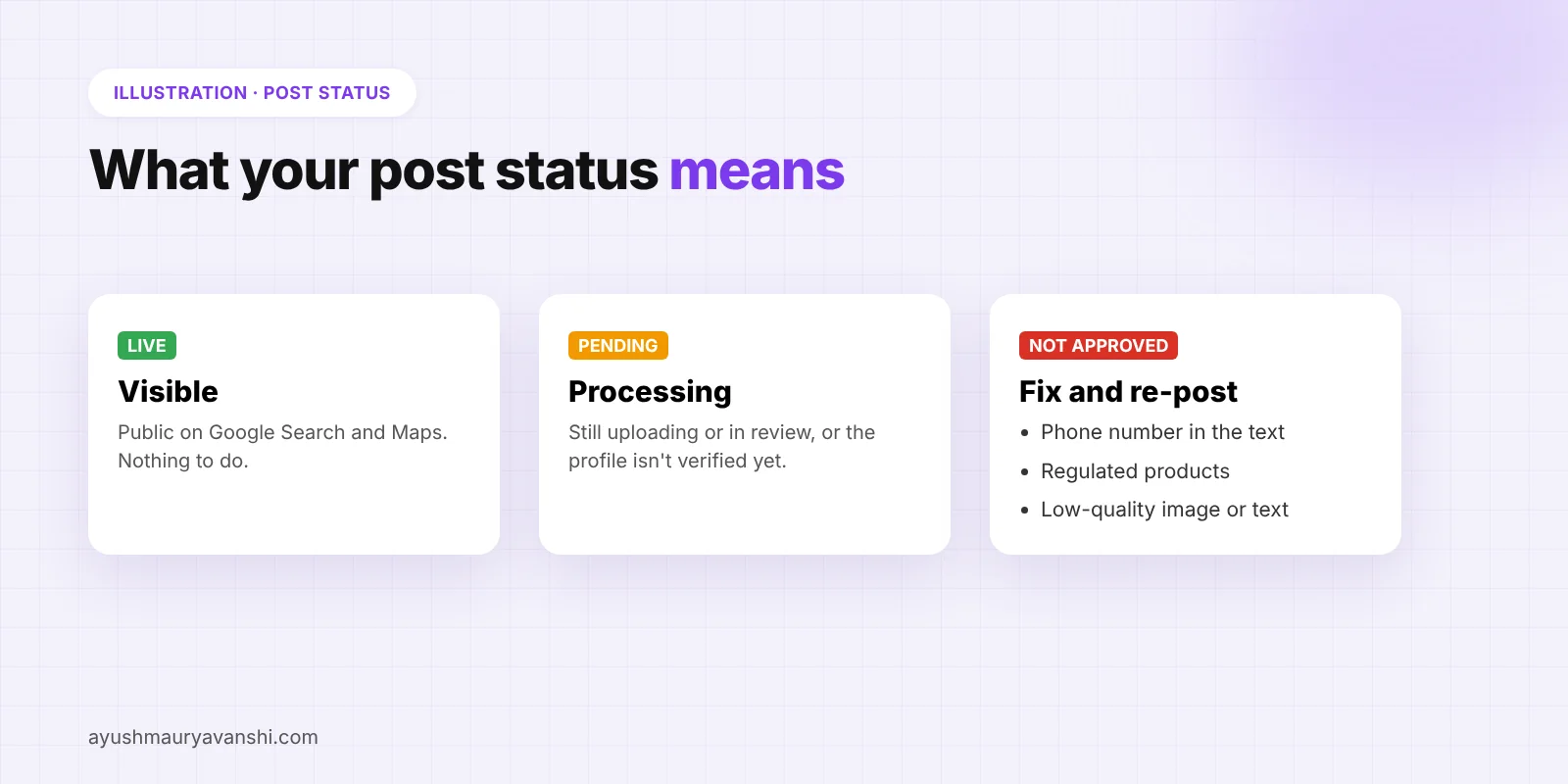
After you publish, Google reviews the post. Its status will show as:
- Live: visible on Search and Maps.
- Pending: still uploading or processing, or the profile isn’t verified.
- Not approved: it broke a content policy. Hover the question mark next to the status to see which one.
From the cases I see, the most common reasons a post gets rejected are:
- A phone number in the post text. This one catches a lot of people. Use the Call now button instead of typing your number into the text.
- Regulated products. Businesses in areas like alcohol, pharmacy, financial services or weapons can post, but not about those products.
- Low-quality text or images. Heavy caps, stuffed keywords, a wall of hashtags, blurry photos, or an image that’s mostly text.
- Links Google doesn’t trust. Link shorteners and redirect chains can trigger a rejection.
- The profile itself. If every post stays Pending, the profile may not be verified or may be under review. That’s a verification problem, not a posts problem.
If a post is rejected, edit it to fix the issue rather than posting the same thing again and again. Repeated rejected posts won’t help how Google sees your profile.
What to post: ideas that work for local businesses
The best posts answer a question a customer has right before they contact you. A few that work well:
- Proof of work: a before-and-after photo of a real job, with one or two lines about what you did and the area you did it in.
- Seasonal offers: with real dates and real terms, using the Offer type so the dates show clearly.
- Service spotlights: one service per post, explained in plain words, with a Book or Learn more button.
- Practical notices: holiday hours, a new parking entrance, a new payment method, a new branch.
- FAQs: “Do you take walk-ins?”, “Do you do home visits?”, short answers with a photo.
- Events: workshops, open days, tastings, with the Event type so the date shows clearly.
Use your own photos. A real photo of your team, shop or work beats a stock image every time, and customers notice.
How often should you post?
There’s no magic number. What I recommend:
- Minimum: one post a month so the profile never looks dead.
- Good: one post a week, using scheduling so you can batch a month in one sitting.
- Seasonal businesses: more around peak periods, fewer in quiet months.
Consistency beats volume. Four useful posts a month are better than twenty rushed ones.
Common mistakes with Google posts
- Copying Instagram captions word for word. Hashtags and emojis don’t help here, and a long caption gets cut off. Write for someone searching on Google.
- Stale offers. An expired offer still showing on your profile (or repeated by the scheduler) creates angry calls. Set end dates.
- Buttons pointing to the homepage. Send Book to your booking page and Order to your order page. My guide on the Google Business Profile booking link covers how booking buttons work.
- Posting instead of fixing the basics. If your categories are wrong, your reviews are thin or your address is off, posts won’t fix that. Sort those first.
What to do now
- Open your profile and check when your last post went live.
- Write four posts for the next month: one offer, one proof-of-work photo, one service spotlight, one practical notice.
- Use Schedule this post to space them a week apart.
- If any post shows Not approved, check for a phone number in the text first.
- After a month, look at your performance report and see whether calls, website clicks and direction requests moved.
Frequently asked questions
Do Google Business Profile posts help SEO?
Not much directly. I haven’t seen posts move rankings on their own, and Google doesn’t list them as a ranking factor. They help customers choose you once they find you, and they keep the profile looking active.
How long do Google posts stay on my profile?
Updates stay visible on your profile, with newer posts shown first. Offers and events use the dates you set, so set accurate end dates and remove anything that’s no longer true.
Can I schedule Google Business Profile posts?
Yes. When you create a post, turn on Schedule this post and pick a date and time. You can also set a post to repeat weekly, monthly or on a custom schedule.
Why is my Google post pending?
A post stays Pending while it uploads and processes, or if the profile isn’t verified. If every post stays Pending for days, check your profile’s verification status.
Why was my Google Business Profile post rejected?
The most common reason I see is a phone number typed into the post text. Others are regulated products, low-quality images or text, and untrusted links. Check the question mark next to the status for the exact policy.
How often should I post on Google Business Profile?
At least once a month, ideally once a week. Use scheduling to write a month of posts in one sitting.
Want someone to look at your profile?
Posts are one small part of a healthy profile. If your listing isn’t getting calls even with regular posts, message me on WhatsApp and I’ll tell you what I’d fix first, or see how my local SEO service works.