
On this page
- Key takeaways
- Why does Google edit my Business Profile?
- What do Google updates look like on your profile?
- How long do you have to reject a suggested edit?
- How do you review and reject Google updates?
- Which edits are worth accepting?
- Why does the same wrong edit keep coming back?
- Can Google Business Profile edits lead to a suspension?
- How do you prevent unwanted edits?
- What to do now
- Frequently asked questions
- Why did Google change my business information?
- How long do I have to reject a suggested edit on Google Business Profile?
- Can I turn off suggested edits on my Business Profile?
- Why does Google keep changing my hours back?
- Will rejecting Google’s edits hurt my profile?
- What if Google marked my business as closed?
- Google keeps changing your profile?
Google Business Profile edits don’t only come from you. Google can change your hours, phone number, website or other details when its sources say your information is wrong, and customers can suggest edits too. When that happens, you get a notification and you have 4 days to accept or reject the change. If you don’t respond, Google may publish it anyway.
I’m a Diamond Product Expert in the Google Help Community and work on Google Business Profile issues every week. “Google changed my business info without asking me” is one of the most common complaints I see. Most owners only notice weeks later, when a customer turns up to a closed shop or calls a number that no longer works. This guide explains why Google edits profiles, how to review and reject those edits, and how to stop the same wrong change from coming back.
Last updated: November 16, 2026
Key takeaways
- Google can update your Business Profile when other sources report your information as incorrect or outdated. Info changed by Google shows in blue.
- After a notification, you have 4 days to accept or reject a suggested edit. If you don’t respond, Google may publish it if your website or other public information supports it.
- In some cases, Google may apply edits without prior review when they’re needed to meet policy guidelines.
- Rejecting an edit isn’t enough if the wrong information is still on your website or other listings. Fix the source.
- Don’t fight Google with repeated edits to key details. That can lead to re-verification.
Why does Google edit my Business Profile?
Google’s goal is an accurate listing for searchers, not an accurate listing according to the owner. Google’s help page on Google updates on your Business Profile says that if sources report your profile info is incorrect or outdated, Google may update it. Those updates show on Maps, Search and other Google services.
In the cases I see, the sources are usually one of these:
- Your own website. Old hours in the footer, an old phone number on the contact page, or structured data nobody updated.
- User suggestions. Any Google user can suggest an edit, such as “closed on Sundays” or a different phone number.
- Other listings and directories. Outdated details elsewhere on the web.
- Google’s own checks. Google sometimes calls businesses with automated calls to confirm details like hours.
The uncomfortable truth is that a lot of “wrong” Google edits are actually Google reading something wrong that the business published. That’s good news, because it means you can fix the cause.
What do Google updates look like on your profile?
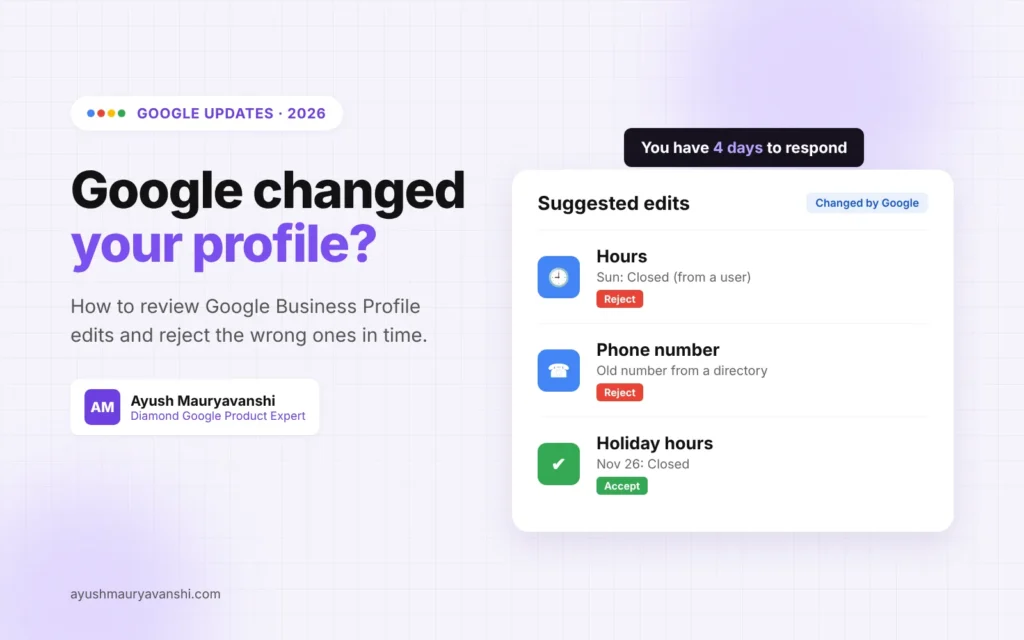
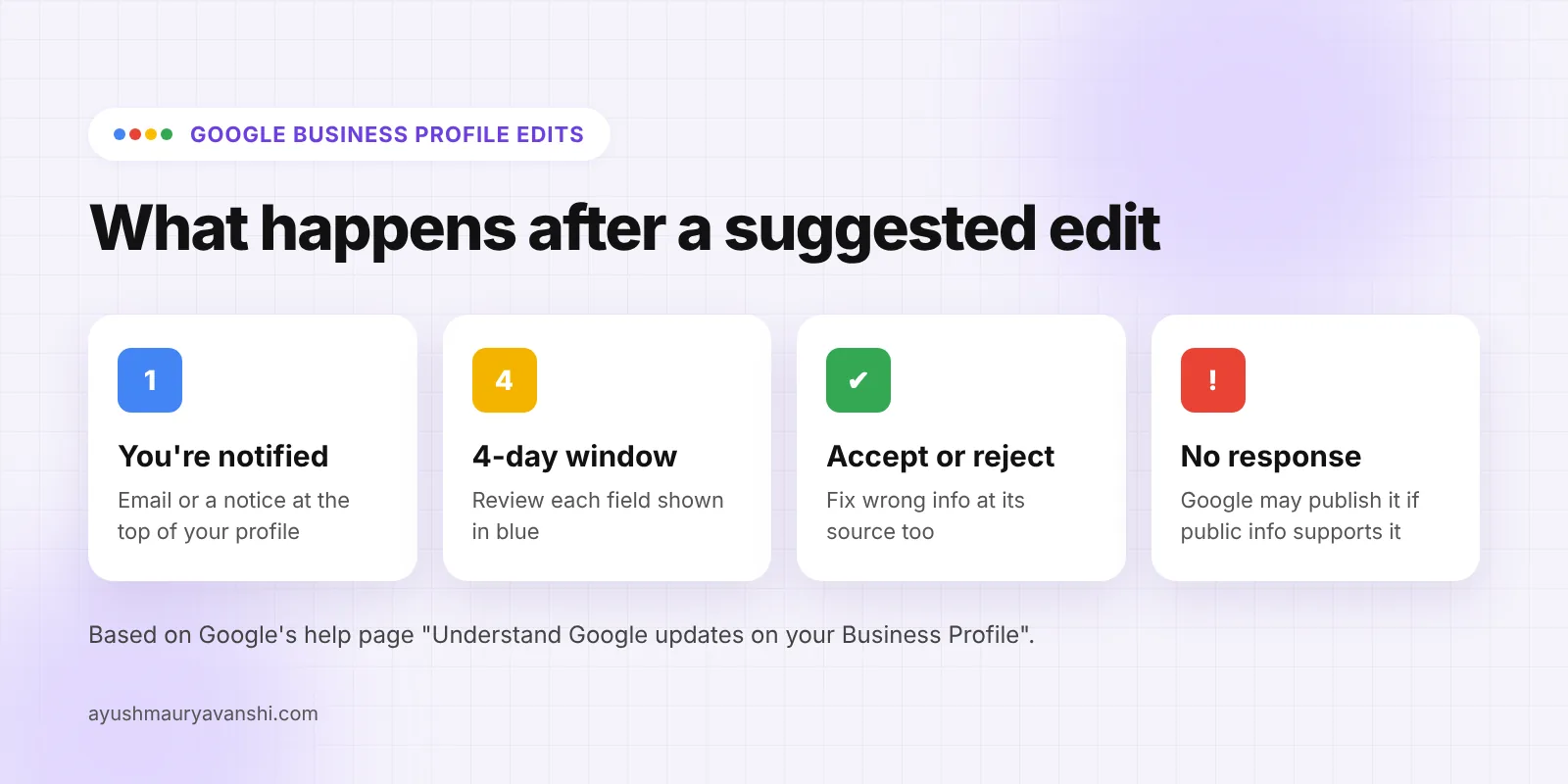
When Google has updated your profile or has a suggested edit waiting, Google says you’ll find a notification at the top of the page when you manage your profile. Information changed by Google is shown in blue, so it stands out from what you entered yourself.
You may also get the notice by email, so make sure the email address on the owner account is one someone actually reads. A surprising number of the “Google changed my hours” cases I handle trace back to an inbox nobody checks, often an old agency email or a former employee’s account.
How long do you have to reject a suggested edit?
You have 4 days. Google’s help page says that once you’re notified about a suggested edit, you have 4 days to accept or reject it. If you don’t respond within those 4 days, Google may automatically publish the update if it is supported by other publicly available information, such as your business website.
This changed in late September 2026, when Google added that section to its help document. I covered it briefly in my roundup of Google Business Profile changes in 2026. Four days is short. A business owner on a long weekend or a week off can easily miss the window.
There is one more line in Google’s help page worth knowing: Google may apply suggested user edits without prior review in cases where edits are necessary to meet policy guidelines. So not every change will wait for you.
How do you review and reject Google updates?
- Sign in to the Google account that owns or manages the profile.
- Search for your business name on Google, or open Google Maps, to reach your Business Profile tools.
- Look for the notification at the top of the profile about Google updates or suggested edits.
- Open it and compare each suggested change with your real details. Fields changed by Google are shown in blue.
- Accept the changes that are correct and reject the ones that are wrong.
- If a wrong change is already live, edit that field back to the correct value yourself. Google’s help page notes you can always update your profile directly to keep it accurate.
- Check the profile again over the next few days to confirm your version is the one showing.
The exact buttons and wording move around as Google redesigns the profile editor, so if something looks different from these steps, look for the notification banner first. That’s where the review starts.
Which edits are worth accepting?
Not every Google update is wrong. Sometimes it catches something the owner forgot. Here’s how I’d think about the common ones:
| Suggested change | Usually | What to check first |
|---|---|---|
| Holiday or special hours | Often correct | Did you set holiday hours yourself? If not, Google may be filling the gap |
| Regular hours | Check carefully | Your website, your door sign and any other listings |
| Phone number | Reject if wrong, then investigate | Old numbers on your website, directories or ads |
| Website URL | Reject if it points to a listing site or old domain | Which URL your profile actually needs |
| Address or map pin | Check very carefully | Whether a customer or Google moved the pin for a real reason |
| Business name | Reject anything with extra keywords or a wrong name | Your real-world name on signage and documents |
| Category | Think before rejecting | Whether the suggested category actually fits better |
| Marked as closed | Act immediately | Who reported it and whether your hours are wrong somewhere |
If an edit is correct, accept it. Rejecting accurate information doesn’t protect you; it just keeps Google and your customers out of sync.
Why does the same wrong edit keep coming back?
Because the source of the information is still out there. If you reject a change to your hours but your website still shows last year’s hours, Google may see that information again, and after 4 days without a response, it can be published. Rejecting the edit treats the symptom. Fixing the source treats the cause.
When an edit keeps returning, go through these:
- Your website header, footer, contact page and any location pages.
- Structured data on your website, such as LocalBusiness schema with hours or phone numbers.
- Your Facebook page, Apple Business Connect, Bing Places and the main directories in your country.
- Old ads, landing pages or microsites that still mention an old number or address.
- Anyone else with access to the profile who might be making edits.
Phone numbers are the classic example. If Google keeps swapping your number for an old one, my guide on changing your Google Business Profile phone number safely covers the order of fixes that tends to make it stick.
Can Google Business Profile edits lead to a suspension?
A Google edit on its own doesn’t suspend a profile. What I do see in Product Expert cases is owners getting into a back and forth with Google: Google changes the address, the owner changes it back the same day, Google changes it again, the owner edits the name and category too out of frustration. Lots of quick edits to key details look unusual, and that is when profiles get sent back to verification or reviewed more closely.
So when you disagree with an edit, change the field back once, fix the source, and wait. If Google asks you to verify again, complete it on the existing profile. My GBP verification service helps when verification gets stuck. And if a suspension does follow, appeal once with evidence rather than editing more.
How do you prevent unwanted edits?
You can’t switch off suggested edits, but you can make Google’s sources agree with you:
- Keep your website as the single source of truth. Same name, address, phone and hours as your profile, everywhere on the site.
- Set special hours before every holiday. Missing holiday hours are one of the easiest gaps for Google to fill on your behalf.
- Check the profile at least weekly. With a 4-day window, a monthly check isn’t enough.
- Make sure notifications reach a person. Use an owner or manager email that someone reads.
- Answer automated calls from Google. Google may call to confirm details like hours. Let your staff know such calls can come in.
- Limit who has access. Remove old managers and agencies you no longer work with, so you know every edit is either yours or Google’s.
What to do now
- Open your Business Profile and look for a Google updates notification at the top.
- Check every field shown in blue against your real details.
- Accept correct changes, reject wrong ones, and fix any wrong field already live.
- Find and fix the source of any wrong information on your website and other listings.
- Set holiday hours for the coming weeks.
- Put a weekly reminder in your calendar to check the profile.
Frequently asked questions
Why did Google change my business information?
Google may update your Business Profile when its sources report your information as incorrect or outdated. Those sources include your own website, suggestions from Google users, other listings and Google’s own checks. The changes show on Maps, Search and other Google services, and fields changed by Google are shown in blue.
How long do I have to reject a suggested edit on Google Business Profile?
You have 4 days after you’re notified. If you don’t respond within 4 days, Google may publish the update automatically if other public information supports it, such as your business website. Google may also apply some edits without prior review when they are needed to meet policy guidelines.
Can I turn off suggested edits on my Business Profile?
No. Any Google user can suggest edits, and Google can update profiles from other sources. What you can control is consistency: keep your website and other listings matching your profile, set holiday hours, and review notifications quickly so you can reject wrong changes within the 4-day window.
Why does Google keep changing my hours back?
Usually because a source Google trusts still shows the other hours, such as your website footer, structured data or another listing. Rejecting the edit doesn’t remove that source. Update the hours everywhere they appear online, set special hours for holidays, then correct the profile once and monitor it.
Will rejecting Google’s edits hurt my profile?
Rejecting a wrong edit is normal and expected. What causes trouble is repeated back and forth edits to key details like name, address or category in a short time, which can trigger re-verification. Reject once, fix the source of the wrong information, and give Google time to settle.
What if Google marked my business as closed?
Act immediately. Check whether your hours are listed incorrectly anywhere, correct the status in your Business Profile, and confirm your website shows you’re open with current hours. If the profile was also suspended or asked for verification, handle that on the existing profile instead of creating a new one.
Google keeps changing your profile?
When Google edits keep overriding your details, there’s always a reason, and it’s usually findable. If yours keeps coming back or has turned into a verification or suspension problem, message me on WhatsApp and tell me which field keeps changing. I’ll tell you where I’d look first.