
On this page
- What is Google Business Home?
- What can you do inside Business Home?
- Who can get Business Home right now?
- What is the new Business Profile performance report?
- Does Business Home change how your profile ranks?
- What I would watch out for
- Check every AI-written post before it goes live
- Do not let a dashboard edit your core details on autopilot
- Watch your permissions
- What to do now
- Frequently asked questions
- What is Google Business Home?
- How do I get access to Google Business Home?
- Is Google Business Home available in India?
- Does Google Business Home replace Google Business Profile?
- Will Google Business Home improve my local rankings?
- Sources
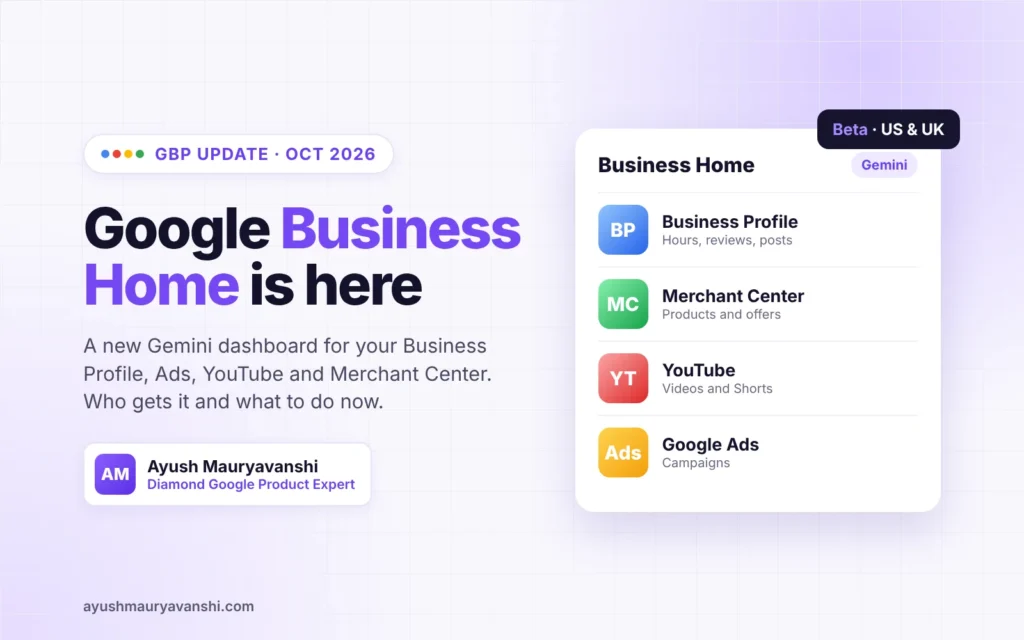
Google Business Home is a new Gemini-powered beta portal that puts your Business Profile, Merchant Center, YouTube channel and Google Ads account in one dashboard. It is a closed beta for select business categories in the US and UK, and invitations go out by email. Your Business Profile itself is not changing, but the way you manage it might.
Barry Schwartz reported the portal on October 22, 2026 after receiving a beta invite (Search Engine Roundtable). A day later, screenshots surfaced of a rebuilt performance report inside Business Profiles. Here is what both changes mean, who can use them, and what I would do right now.
Last updated: October 2026
What is Google Business Home?
Google Business Home is a single place to manage the Google tools a small business already uses. Google describes it as a growth partner built with Gemini models. Its help page says that over time it will give “holistic insights and the next best step across all connected services.”
The beta email Barry shared says it “brings together your Business Profile, Merchant Center, YouTube, and Ads accounts all in one place.” So this is less a new product and more a new front door to four existing ones.
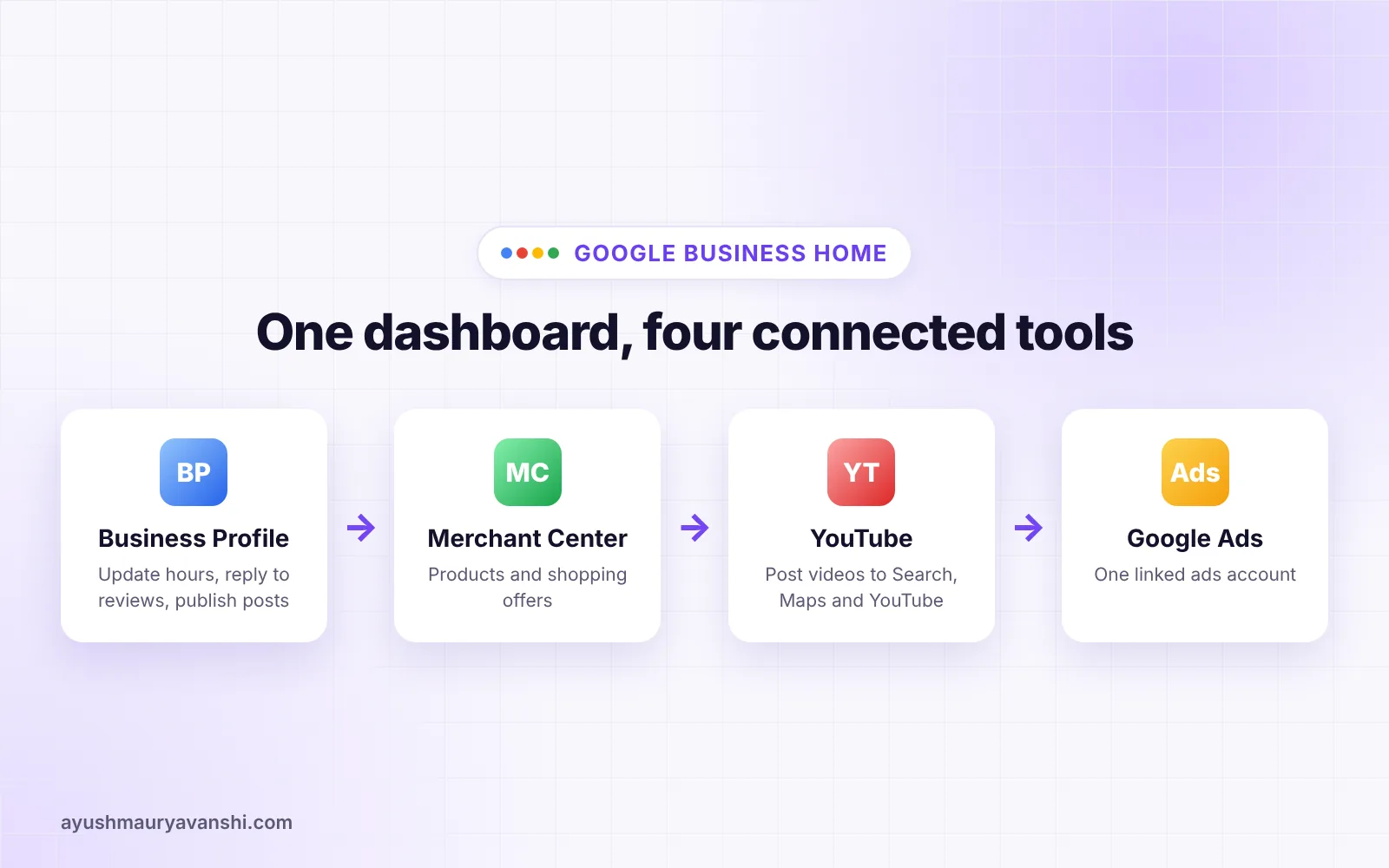
If that sounds familiar, it is. Google had a separate dashboard for Google My Business for years, then pushed owners to manage profiles directly in Search and Maps. Business Home looks like a move back toward a proper dashboard, this time with AI built in.
What can you do inside Business Home?
According to Google’s help page, the first version covers four areas:
- Content creation. AI-generated content and photo tools for posts, with you keeping final control over what gets published.
- Location management. Update hours and reply to reviews without leaving Business Home.
- Growth guidance. A “360° view of your business” that turns your data into prioritized next steps.
- Customer messaging. AI-powered replies to customer questions through RCS for Business.
The screenshots in the Search Engine Roundtable article show sections named Home, Creative Lab, Posts, Reviews, Performance, Locations, Brand Kit, Tools and Settings. Google gives one example of where it wants to take this: spotting a real-time surge in demand and helping you publish a seasonal offer on social media.
Who can get Business Home right now?
Business Home is invitation only. You cannot sign up for it today, even if you meet every requirement. Google’s eligibility list is specific:
| Requirement | What Google says |
|---|---|
| Country | Business based in the US or UK |
| Business Profile | Owner or manager of a verified profile |
| Locations | Fewer than 10 locations for the same business |
| Business type | One type of business per account (a restaurant plus a retail shop is not supported) |
| Connected tools | Up to one YouTube channel, one Google Ads account and one Merchant Center account |
| Category | Only select business categories during the closed beta |
| Policies | Compliant with Google policies, including those of connected tools |
If you are eligible, the invite arrives by email and you start by selecting “View your business home.” Agencies and multi-location brands are clearly not the first audience here. This is aimed at the single-location owner who runs everything from one Google account.
What is the new Business Profile performance report?
Separately, Google is testing a rebuilt performance report for Business Profiles. On October 23, 2026, Search Engine Roundtable published screenshots sent in by Jaikishan Raturi of Wisevu and Syed Amir (Search Engine Roundtable).
The test splits performance into five sections:
- Overview, with a Recommendations area
- Engagement
- Reviews, with a more detailed breakdown than today
- Audience
- Search trends
Barry called it “a very big improvement” over the current report, and I agree from what I can see. The current performance view is thin. Owners in the Product Expert forums ask me all the time where their calls went, or why views dropped, and the honest answer is often that the report does not show enough to say. A separate reviews and audience view would make that conversation much easier.
The two tests overlap. Business Home has its own Performance section, so it is possible Google is building one reporting layer that shows up in both places. Nothing official confirms that yet.
Does Business Home change how your profile ranks?
No. Nothing Google has published says Business Home affects local rankings. It is a management layer. Your profile still ranks on the same things it did last week: relevance, distance and prominence, plus the accuracy of your category, hours and details.
Where it could matter indirectly is activity. If an AI tool makes posting, replying to reviews and updating hours easier, more owners will actually do those things. Fresh, accurate information and real review replies help customers decide, and that is good for the business even if it is not a ranking switch.
What I would watch out for
I like the direction. A few things still deserve care.
Check every AI-written post before it goes live
Google says you keep creative control. Use it. AI tools tend to write generic promotional lines, and Google’s Maps content policy has clear rules on what you cannot put in posts and listings. Read each post, fix claims you cannot back up, and keep phone numbers and offers accurate.
Do not let a dashboard edit your core details on autopilot
Hours, name, address and category are the fields that trigger re-verification and, sometimes, suspensions when they change suddenly. In my reinstatement work, unexplained edits to these fields come up again and again. If Business Home suggests a change, make sure it matches your signage, website and real opening hours first.
Watch your permissions
Connecting tools means access matters more. Google notes that posting to Search, Maps and YouTube needs owner or manager access to both the Business Profile and the YouTube channel. If an ex-employee or old agency still has owner access to something, clean that up before you connect everything.
What to do now
- Check your inbox. If you run a US or UK business with under 10 locations, look for a Business Home invite, including in Promotions and Spam.
- Audit who has access. Review owners and managers on your Business Profile, YouTube, Ads and Merchant Center accounts.
- Get your profile verified and clean. Business Home needs a verified profile. If yours is stuck, my GBP verification help covers the usual blockers.
- Keep your details consistent. Name, address, phone, hours and website should match everywhere before any tool starts suggesting changes.
- Do not chase it if you are outside the beta. You lose nothing by managing your profile the normal way for now.
If you also want the bigger picture of what else changed this year, my roundup of Google Business Profile changes in 2026 covers the other updates worth acting on.
Frequently asked questions
What is Google Business Home?
Google Business Home is a closed beta portal from Google, built with Gemini models, that connects your Business Profile, Merchant Center, YouTube channel and Google Ads account in one dashboard. It helps with content creation, location updates, review replies, growth recommendations and customer messaging.
How do I get access to Google Business Home?
You cannot sign up for Google Business Home yet. Google sends invitations by email to eligible businesses in select categories in the US and UK. If you get one, select “View your business home” in the email to start setup.
Is Google Business Home available in India?
Not yet. Google’s help page says the Business Home beta is limited to businesses based in the US and the UK. Businesses in India and other countries should keep managing their Business Profile from Google Search, Maps or the usual Business Profile tools.
Does Google Business Home replace Google Business Profile?
No. Your Business Profile still exists and still shows on Search and Maps. Business Home is a management layer on top of it that also connects Merchant Center, YouTube and Google Ads, so you can handle them from one place.
Will Google Business Home improve my local rankings?
Google has not said that Business Home affects rankings. Local rankings still depend on relevance, distance and prominence. The tool may help indirectly by making it easier to keep details accurate, post updates and reply to reviews.
I will keep testing Business Home as it reaches more accounts and update this post when Google shares more. If your profile is suspended, unverified or acting strangely and you want a second pair of eyes, message me on WhatsApp or see my GBP reinstatement service.
Sources
- Google Business Profiles New Business Home, Search Engine Roundtable, October 22, 2026
- Google Business Profiles Testing New Advanced Performance Reports, Search Engine Roundtable, October 23, 2026
- About Business Home, Google Help